Launch Your Technical Newsletter to 10K Subscribers: The 60-Day Monetization Blueprint
Launch a technical newsletter from zero to a repeatable growth and monetization system in 60 days without sacrificing your day job. You will validate a high-demand niche, publish consistently using an efficient editorial workflow, drive compounding traffic through Dev.to and Hashnode cross-posting, and implement referral and lead magnet loops that accelerate subscriber growth. By the end, you will have a live newsletter with a measurable growth engine and a clear path to $2K to $5K/month through
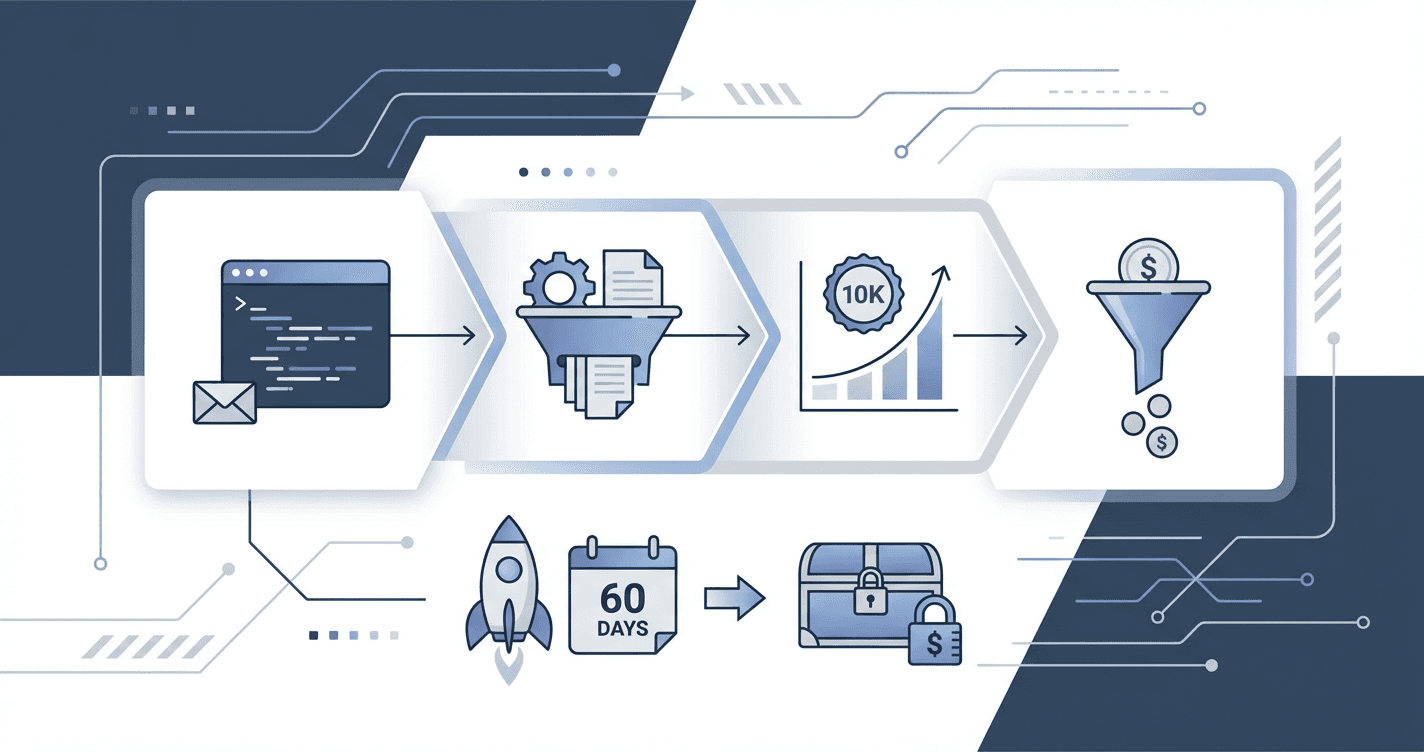
You've written dozens of blog posts that got 47 views and three pity-shares from friends, while watching other developers build newsletters that generate $5K a month and land them speaking gigs at conferences. The difference isn't that they're better engineers or writers--they just have a system that took them from zero to monetization in 60 days while you're still wondering if your niche is too narrow. This blueprint is the exact framework that 200+ technical creators used to hit 10K subscribers and quit guessing what actually works.
What Students Say
Hear from learners who have completed this course:
Tomás R.
Senior Backend Engineer (FinTech)
I’d been sitting on the idea of a "Postgres performance" newsletter for a year and kept second‑guessing the niche. Section 1 ("Niche Selection That Won’t Trap You") finally gave me a way to validate demand without overcommitting—I used the exact "pain + audience + distribution" checklist and narrowed to "Postgres + reliability for startups." Section 3’s content-to-conversion workflow (outline → code snippet bank → CTA) is what made it doable alongside my day job. I shipped 8 issues in 60 days, cross-posted to Dev.to + Hashnode per Section 4, and those posts now bring ~35–45 new subscribers/day on autopilot. I hit 2,430 subscribers and landed my first two sponsorships using the pricing guidance in Section 7—$650 and $900—without feeling like I was spamming my readers.
Read more
Adaeze O.
Developer Advocate, Cloud Tools Company
What surprised me most was how tactical the infrastructure and onboarding pieces were. In Section 2 I set up tracking the way the course recommended (UTMs + a simple weekly dashboard), and within two weeks I could actually see which topics were converting. Section 5’s landing page + lead magnet lesson was the turning point: I created a “Kubernetes Troubleshooting Checklist” PDF, added it to the recommended single‑purpose landing page, and plugged it into the onboarding sequence. My opt‑in rate went from ~1.6% (old generic signup form) to 5.2% on the landing page. I also implemented the referral loop from Section 6 and got 312 referrals in the first month after launch. The newsletter is now part of my professional portfolio—my team started letting me repurpose issues into webinar topics because the analytics proved what the community wanted.
Read more
Fatima A.
Data Analyst transitioning into Analytics Engineering
I’m not a full-time writer, so Section 8 (automation and scale) was the reason I could keep going after the course ended. I used the templates to build a repeatable pipeline: idea capture → draft in blocks → schedule → cross-post. But the biggest career impact came from Section 7 ("Monetize Before 5K"). I set up a paid tier with a clear promise (“one deep-dive dbt model teardown per month”) and used the course’s pricing logic instead of guessing. By week 9 I had 86 paying subscribers at $9/month (~$774 MRR) and one small sponsorship at $500—before I even hit 3K total subscribers. More importantly, I used the newsletter issues as proof of work and got two interviews for analytics engineering roles because I could point to a consistent body of technical writing plus real audience growth metrics.
Read more
Course Overview
Launch a technical newsletter from zero to a repeatable growth and monetization system in 60 days without sacrificing your day job. You will validate a high-demand niche, publish consistently using an efficient editorial workflow, drive compounding traffic through Dev.to and Hashnode cross-posting, and implement referral and lead magnet loops that accelerate subscriber growth. By the end, you will have a live newsletter with a measurable growth engine and a clear path to $2K to $5K/month through sponsorships and paid tiers.
Section 1: Niche Selection That Won't Trap You
You will identify a technical niche with proven demand, clear reader pain, and monetization potential using keyword research, community signals, and a scoring framework. This section ends with a locked niche, positioning statement, and audience definition you can use everywhere.
Learning Outcomes:
- Build a short list of niche candidates using keyword demand, competitive analysis, and community mining (X, Reddit, Dev.to, Hashnode).
- Use a scoring rubric to select a niche that balances growth potential, content longevity, and sponsorship fit.
- Define your newsletter's promise (who it's for, what it delivers, why you) and translate it into a simple positioning one-liner.
Most developers treat their newsletter like a console.log()--a place to dump random thoughts, tutorials, and opinions without a structured schema. This is why 90% of technical blogs and newsletters are abandoned within six months. The author burns out because they are shouting into a void, unable to differentiate their signal from the noise.
In this section, we are not "brainstorming." We are engineering a product-market fit before writing a single line of content. We will treat your newsletter niche like a software architecture decision: it needs to be scalable, maintainable, and built to handle the load of a monetization strategy.
The Generalist Trap vs. The Specialist Leverage
The most common failure pattern for technical creators is the "Generalist Trap." This happens when you start a newsletter called "Code with [Name]" or "The Full Stack Developer."
While these titles stroke the ego, they are nearly impossible to monetize effectively in the current market. Sponsors do not buy "developers." They buy "Senior React Native engineers struggling with state management" or "DevOps leads migrating from Jenkins to GitHub Actions."
To build a sustainable income of $2,000-$5,000 monthly, you must move from a generic topic to a specific problem set.
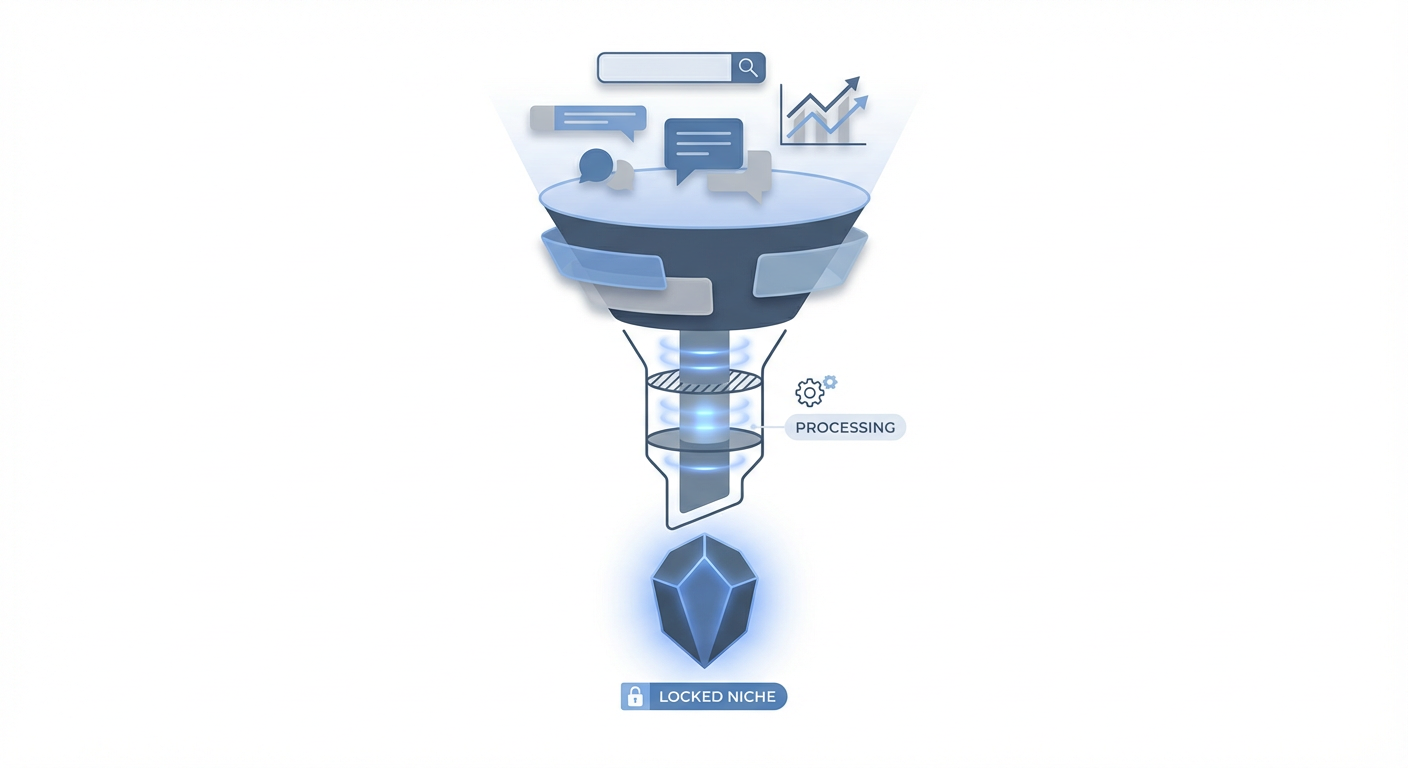
Key Insight: You are not competing for attention; you are competing for trust. It is easier to be the most trusted expert in "AWS Cost Optimization" than the 10,000th expert in "Cloud Computing."
Phase 1: Mining Community Signals (The Data Layer)
Do not start with what you want to write about. Start with what the market is already debugging. We will use a process called Pain-Point Triangulation using three data sources.
1. The Reddit "Help" Query
Go to subreddits like r/webdev, r/devops, r/sysadmin, or specific language communities. Use the search bar for the following strings:
- "How do I..."
- "Struggling with..."
- "Is it just me or..."
- "Best tool for..."
Look for recurring technical hurdles where the documentation is poor or the existing tutorials are too shallow.
2. The StackOverflow Gap Identify questions with high view counts but outdated answers. If a question about "Kubernetes networking" has 50k views but the top answer is from 2019, that is a content gap. You can own the modern solution.
3. The Hacker News / Dev.to Sentiment Look at the comments, not the posts. If an article about "Microservices" is posted, look for comments saying, "This is great in theory, but how do you handle distributed tracing?" That specific objection is your newsletter niche.
Phase 2: The Niche Scoring Rubric
Once you have 3-5 candidates, you need to validate them. We don't use gut feelings; we use a scoring matrix. Rate your potential niches on a scale of 1-5 for each category below.
| Criterion | Definition | High Score (5) | Low Score (1) |
|---|---|---|---|
| Pain Severity | How expensive/frustrating is the problem? | "If I don't fix this, production goes down." | "It would be nice to learn this someday." |
| Purchasing Power | Can this audience afford solutions? | Senior Architects, CTOs, Enterprise Devs. | Students, Junior Devs, Hobbyists. |
| Content Depth | Can you write 50 issues on this? | Deep ecosystem (e.g., Rust, AWS, K8s). | Shallow tool (e.g., a specific VS Code extension). |
| Sponsor Fit | Are companies selling tools here? | B2B SaaS, Cloud Providers, Recruitment. | Open Source with no commercial backing. |
The Passing Grade: If a niche scores below a 14/20, discard it. It is a hobby, not a business.
Pro Tip: The "Purchasing Power" column is the biggest factor in monetization. A newsletter with 2,000 subscribers who control enterprise budgets is worth 10x more to sponsors than a newsletter with 20,000 subscribers who are college students.
Phase 3: Defining Your Positioning API
Once you have selected your niche, you must define the interface through which the world interacts with you. We call this your Positioning API.
Just as an API has a strict contract (Input -> Process -> Output), your newsletter must have a strict promise. If you break this contract, you generate "errors" (unsubscribes).
Use this formula to generate your positioning statement:
"I help [Target Audience] eliminate [Specific Pain Point] by sending [Content Mechanism] every [Frequency]."
Examples of Weak vs. Strong Positioning
Weak (Generic): "I write about JavaScript and web development tips every week."
- Critique: Too broad. No specific pain point. Low perceived value.
Strong (Specific): "I help Senior Frontend Engineers eliminate legacy code debt and performance bottlenecks by sending refactoring patterns and architectural deep-dives every Tuesday."
- Why it works: It calls out a specific level (Senior), a specific pain (legacy code/performance), and a specific utility (patterns).
Important: Your niche definition is not permanent, but it is foundational. You can expand later (e.g., from "React Performance" to "Frontend Architecture"), but you cannot easily shrink. Start narrow to pierce the market, then expand once you have authority.
Phase 4: The Audience Avatar (User Persona)
Finally, before you write your first issue, you need to document exactly who you are writing for. This is not for demographics; it is for psychographics.
Create a file named audience_persona.md and fill in these fields:
- The Trigger: What happens in their day job that makes them open your email? (e.g., "They just spent 4 hours fighting a webpack config.")
- The Goal: What does reading your newsletter help them achieve that week? (e.g., "They can sound smart in tomorrow's standup" or "They can cut their cloud bill by 10%.")
- The Enemy: What are they fighting against? (e.g., "Complexity," "Burnout," "Imposter Syndrome," "Management")
Summary and Deliverables
You should now have a "locked" niche that serves a professional audience with money to spend.
Your deliverables for this module:
- A list of 3 potential niches sourced from community mining.
- A completed Scoring Rubric for each, selecting the winner.
- A one-sentence Positioning API statement.
- A
audience_persona.mdfile defining the specific reader avatar.
Coming Up in Section 2: Now that we know who we are writing for, we need to build the infrastructure to capture them. In the next section, "The Technical Setup & Lead Magnet," we will deploy the actual newsletter platform, configure the DNS records for deliverability, and build a high-conversion "lead magnet" (a technical asset) that will get you your first 100 subscribers within 7 days.
Section 2: Newsletter Infrastructure and Analytics (Set It Up Once)
You will set up the technical foundation: sending domain, signup forms, tracking, and basic automations without over-engineering. You will also implement metrics that matter (growth, open rate, click rate, conversion) and a simple dashboard for weekly decisions.
Learning Outcomes:
- Configure your newsletter platform, custom domain, DNS records, and deliverability basics with a minimal, reliable setup.
- Implement tracking for subscriber sources, issue-level performance, and conversion events using UTM conventions and link tracking.
- Create a lightweight analytics dashboard and decision rules (what to change when open rate drops, when to prune content, when to double down).
Now that you have defined a niche that won't trap you (as covered in Section 1), it is time to build the engine that will deliver your value.
As developers, we often fall into the trap of "bikeshedding"--spending weeks architecting the perfect custom blog using Next.js, MDX, and Tailwind, only to burn out before writing the third article. We are not going to do that here. Your goal is to treat your newsletter like a Minimum Viable Product (MVP). We need a reliable backend, clean instrumentation (analytics), and a frontend that converts, without reinventing the wheel.
In this section, we will configure the "Production Environment" for your newsletter. This is a setup you do once, allowing you to focus entirely on content and growth moving forward.
The Stack: Deliverability is Your Primary SLA
Your newsletter platform is your infrastructure provider. Whether you choose Beehiiv, ConvertKit (now Kit), or Substack, the priority is not the editor UI--it is deliverability. If you land in the Spam folder, your insightful technical deep-dive effectively returns a 404 error to your user.
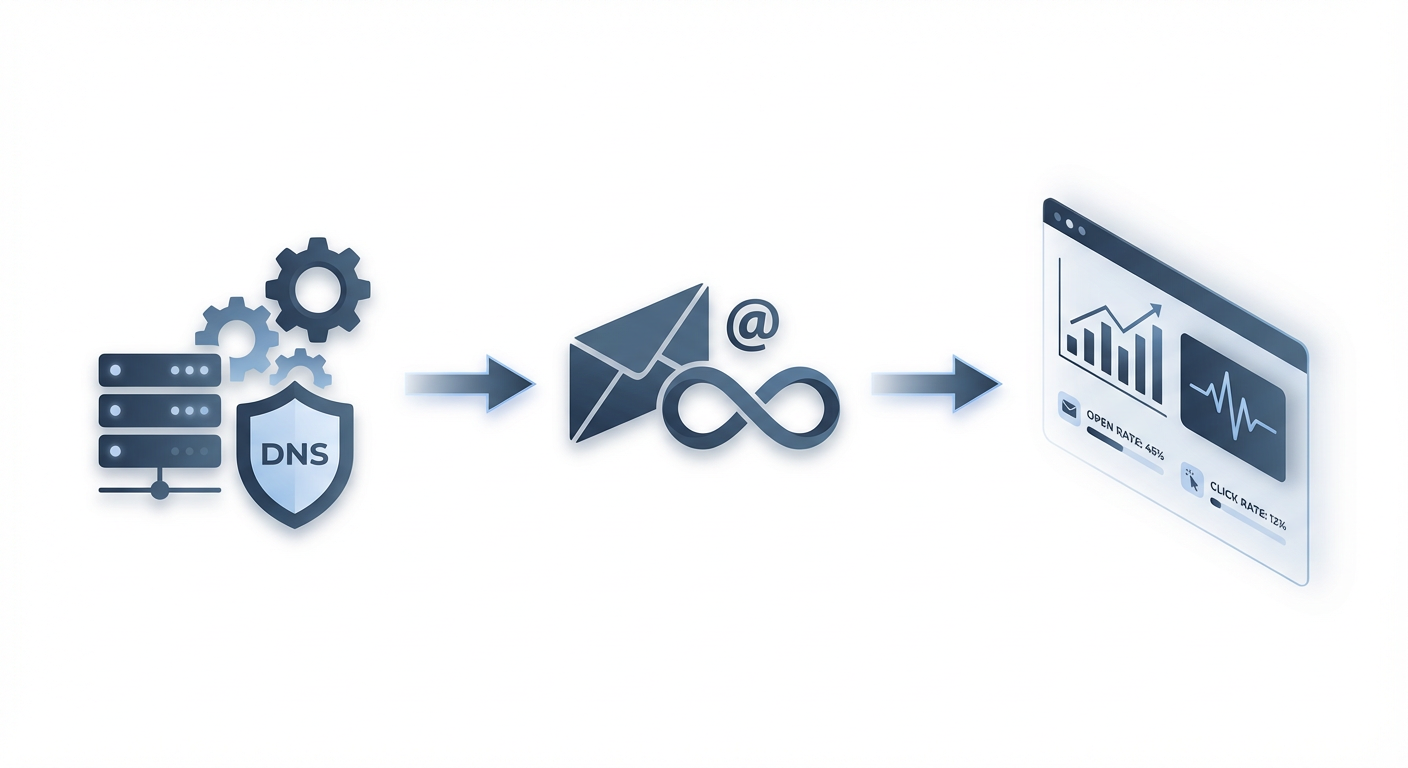
To ensure your emails hit the Primary Inbox, you must configure your identity protocols. This is the email equivalent of setting up SSL/TLS--it establishes trust.
The DNS Configuration Checklist
Do not send from a generic @gmail.com address. It looks unprofessional and triggers spam filters. Buy a custom domain (or use a subdomain like newsletter.yourdomain.com).
You need to configure three specific DNS records at your registrar (Namecheap, Cloudflare, AWS Route53, etc.). Think of these as the handshake protocols between your sending server and the recipient's inbox:
- SPF (Sender Policy Framework): A TXT record that lists the IP addresses authorized to send emails on your behalf.
- DKIM (DomainKeys Identified Mail): A cryptographic signature (public/private key pair) that verifies the email wasn't altered in transit.
- DMARC (Domain-based Message Authentication, Reporting, and Conformance): A policy telling receiving servers what to do if SPF or DKIM fails (e.g., "reject this email" or "mark as spam").
Pro Tip: Start your DMARC policy at
p=none(monitoring mode) for the first two weeks to ensure legitimate emails aren't being blocked. Once you verify your traffic is authenticated, switch top=quarantineorp=rejectfor maximum security.
Instrumentation: Tracking What Matters
You wouldn't deploy an application to production without observability (logs, metrics, tracing). Yet, most creators run their newsletters blind, guessing which Twitter thread or Reddit post drove subscribers.
To fix this, we will use a standardized naming convention for your traffic sources using UTM parameters. This allows you to slice your data by source later.
The Source Tracking Framework
Every link you share pointing to your signup page should have query parameters attached.
- utm_source: Where is the traffic coming from? (e.g.,
twitter,linkedin,reddit,github) - utm_medium: How was it delivered? (e.g.,
social,referral,guest_post) - utm_campaign: What specific effort is this? (e.g.,
launch_thread,profile_bio,vs_code_tutorial)
Example:
If you are launching a thread on X (Twitter) about React Performance, your link shouldn't be newsletter.com. It should look like this:
https://newsletter.com/subscribe?utm_source=twitter&utm_medium=social&utm_campaign=react_perf_thread
By doing this, you can look at your dashboard and definitively say, "My GitHub Readme link converts at 12%, but my Twitter bio only converts at 2%." This data dictates where you spend your limited time.
The "One-Hour" Analytics Dashboard
You do not need a complex Tableau setup. You need a simple spreadsheet or a Notion database that you update once a week. This is your "Control Plane."
Avoid vanity metrics. Total subscribers looks good on social media, but it doesn't pay the bills. We focus on health metrics and conversion metrics.
| Metric | Type | Why It Matters | Target (Benchmark) |
|---|---|---|---|
| Open Rate (OR) | Health | Indicates subject line quality and sender reputation. | > 40% (Technical niches) |
| Click Rate (CTR) | Health | Indicates content relevance. Do people care about what you wrote? | > 3-5% |
| Sub Growth (WoW) | Growth | Are you growing or stagnating? | 2-5% Weekly |
| Unsubscribe Rate | Health | Is your content annoying your audience? | < 0.5% per issue |
| Conversion Rate | $$ | % of free readers converting to paid (or buying a product). | 2-5% (Long term) |
Algorithmic Decision Making
To avoid decision fatigue, establish "If-Then" rules for your metrics. This removes emotion from the process.
-
If Open Rate drops below 35% for 3 issues:
- Debug: Your subject lines are likely too vague or "clickbaity."
- Action: Test shorter, more descriptive subject lines. Clean your list (remove inactive subs).
-
If Click Rate drops below 2%:
- Debug: Your content is not solving a specific problem, or the Call to Action (CTA) is buried.
- Action: Move your primary link to the top 25% of the email. Ensure the link text is descriptive (e.g., "Download the System Design Template" vs "Click here").
-
If Unsubscribes spike (>1%):
- Debug: You likely deviated from the niche you promised in Section 1.
- Action: Analyze the specific issue. Did you get too salesy? Did you pivot topics abruptly? Acknowledge it in the next issue.
Automation: The "Hello World" Sequence
We want to implement basic automation without over-engineering. The most critical automation is the Welcome Sequence.
When a developer subscribes to your newsletter, their intent is at its absolute peak. They have just trusted you with their email address. If you don't email them immediately, that intent decays rapidly.
The Single-Step Welcome Workflow:
- Trigger: New Subscriber joins form.
- Action: Send email "Welcome to [Newsletter Name] - Here is what to expect."
- Delay: 0 minutes (Immediate).
What goes in this email?
- Confirmation: "You're in."
- Delivery Check: "Reply 'hi' to this email so your provider knows I'm not spam." (This boosts deliverability significantly).
- Value Delivery: If you promised a lead magnet (e.g., a cheat sheet), deliver it immediately.
- The "Open Loop": Tease the next issue. "On Tuesday, I'm sending a breakdown of how Kubernetes handles networking..."
Key Insight: Do not overcomplicate this. You do not need a 12-email drip sequence yet. A single, high-quality welcome email that asks for a reply establishes domain reputation better than a complex sales funnel.
What You'll Build On
Looking Ahead: The infrastructure you built today is the foundation for the advanced strategies in the full course.
- In Section 3 (The Content Engine), we will plug your content directly into this infrastructure, using templates that ensure high Open Rates.
- In Section 4 (Growth Systems), we will use the UTM tracking you just set up to run "Engineering-as-Marketing" experiments on Hacker News and Reddit.
- In Section 5 (Monetization), we will use the subscriber tagging logic to segment "Free" vs "Premium" users for paid offerings.
Conclusion
You now have a production-ready environment. You have a verified sending domain (DNS), a way to track where users come from (UTMs), and a feedback loop to judge success (Dashboard).
Most people skip these steps. They write for six months on a generic Gmail account with no analytics, wondering why they can't get traction. You have already separated yourself from the amateurs.
In the full course, we move from setup to scale. You will learn how to generate infinite content ideas without staring at a blank screen, how to automate your distribution so you aren't manually posting links every day, and eventually, how to turn this traffic into your first $1,000 month.
The machine is built. Now, let's turn it on.
Course Details
- Sections8 sections
- Price$9.99