Launch Your Paid Webflow Component Library: From Design to $5K MRR in 60 Days
Launch a paid Webflow component library in 60 days using a validation-first system that prevents wasted build time and removes marketing guesswork. You'll identify proven demand, build 30-50 production-ready components with clean architecture and CMS support, then package, price, and launch with a freemium-to-paid funnel designed to reach your first 100-200 customers and build toward $5K MRR.
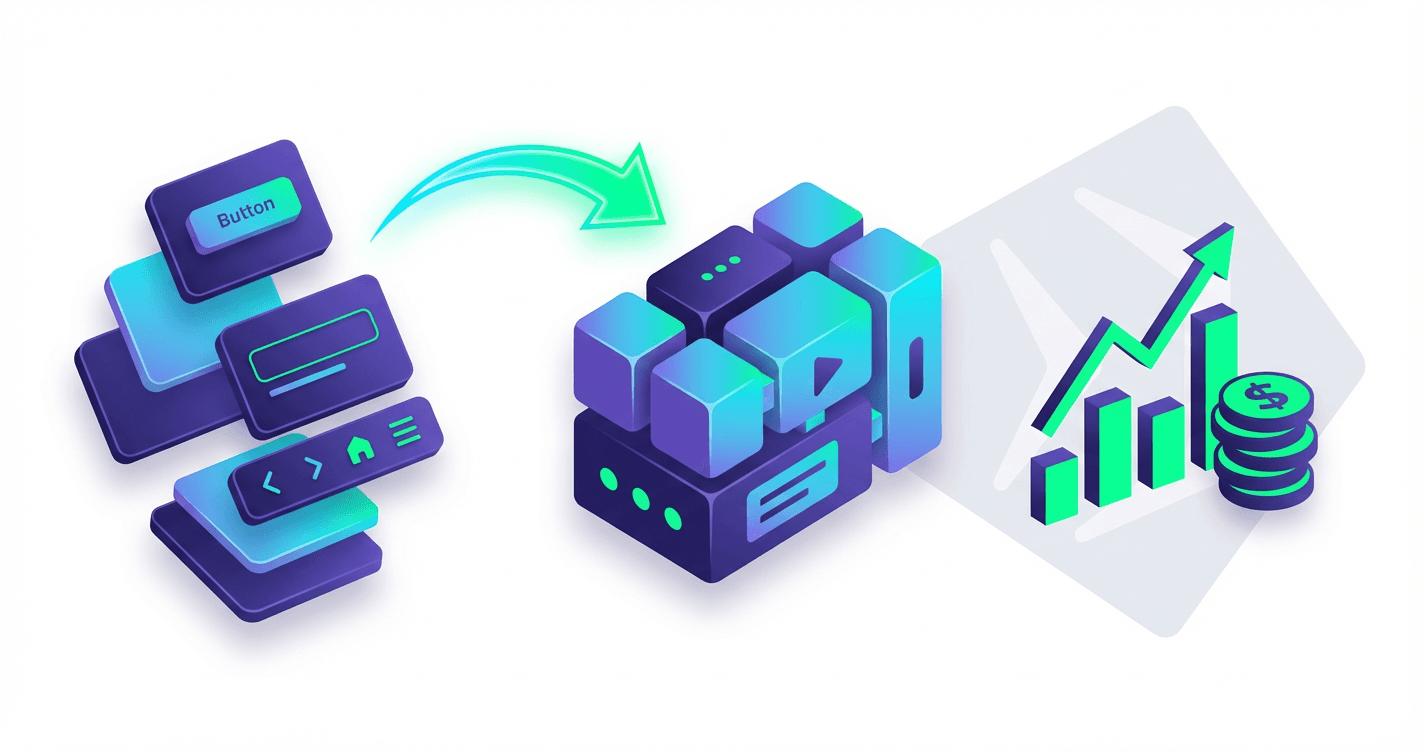
You've built dozens of Webflow sites and have a folder full of components you reuse on every project--while other designers are selling similar work for thousands in monthly recurring revenue. The difference isn't talent or experience; they just followed a specific 60-day system to package, price, and launch their component library while you're still trading hours for dollars. This course gives you that exact playbook, from validating your first product idea to landing your first 50 paying customers without guessing, without paid ads, and without abandoning your client work.
What Students Say
Hear from learners who have completed this course:
Tomás R.
Freelance Webflow Designer (B2B SaaS)
I’d been building “component packs” for clients for years, but never knew how to turn it into a product without guessing. Section 2 was the turning point—using the market research framework to turn Reddit/Slack/job boards into a literal build list stopped me from overbuilding. I validated a niche around fintech dashboards and scoped a 42-component MVP. The architecture lessons in Section 3 (class naming, variables, accessibility checks, and scaling patterns) made my library feel coherent instead of like a bunch of one-off sections. After following Section 6’s freemium-to-paid funnel, I shipped 12 free components and a paid tier with full CMS-ready templates. In 7 weeks I hit 118 customers and $2.9K MRR; more importantly, my client work got faster because I now reuse the same clean component system across projects.
Read more
Adaeze O.
Product Designer at a HealthTech Startup
What I needed wasn’t “how to make pretty Webflow sections,” it was a system that our tiny team could maintain. Section 3 on library architecture was gold—especially the part about building with variables, consistent class strategy, and accessibility from the start. I rebuilt our internal UI kit in Webflow using the course’s scale approach, then Section 4 helped me create variants (states, sizes, and responsive behavior) so the components were actually production-ready. The practical CMS guidance (collections + dynamic lists + filtering patterns) saved me days—our marketing team can now spin up landing pages without pinging design every time. The measurable impact: page build time dropped from ~6–8 hours to ~2 hours per page, and our Lighthouse accessibility score went from the low 70s to 90+ on new pages. I’m also launching a public version of the library as a side product using the packaging checklist from Section 5.
Read more
Noura A.
Growth Marketer & No-Code Founder
I’m not a “designer first,” so my biggest fear was building a library no one buys. Section 1’s 60-day plan kept me on track, and Section 6 finally clarified pricing/licensing in a way I could execute (single site vs. unlimited, team seats, and how to position the freemium tier). I followed Section 7 step-by-step: launched on Gumroad, used the sales page structure, and implemented the email sequence templates with small edits for my voice. The result: my free pack brought in 620 subscribers in the first month, and the upgrade emails converted 9.6% into paid. I crossed $1.4K MRR by week 8 and got my first partnership after applying Section 8’s distribution playbook (I traded a co-branded component set with a Webflow agency that already had an audience). This course made the marketing feel measurable instead of vibes-based.
Read more
Course Overview
Launch a paid Webflow component library in 60 days using a validation-first system that prevents wasted build time and removes marketing guesswork. You'll identify proven demand, build 30-50 production-ready components with clean architecture and CMS support, then package, price, and launch with a freemium-to-paid funnel designed to reach your first 100-200 customers and build toward $5K MRR.
Section 1: The 60-Day Plan and Validation-First Product Strategy
Map your 60-day sprint, choose a tight audience and use-case, and validate demand before you build. You'll learn how to extract component ideas from real community pain points and convert them into a prioritized build list.
Learning Outcomes:
- Define a clear component library positioning (who it's for, what it replaces, why it's better)
- Run fast demand validation using community research, polls, and competitor teardown
- Build a prioritized roadmap (30-50 components) based on frequency, urgency, and willingness to pay
The biggest lie in the digital product space is that "if you build it, they will come."
Most designers stay stuck in the "service trap"--trading hours for dollars--because they are terrified of the alternative: spending three months building a component library that generates zero sales. This fear is valid. According to industry data, 42% of startups fail simply because there is no market need. The same applies to digital products.
The difference between a library that generates $100/month and one that scales to $5k/month isn't the quality of your code (you already know how to build in Webflow). It is the strategy behind what you build.
In this section, we are going to eliminate the guesswork. We'll map out a 60-day sprint that front-loads validation, ensuring you have buyers waiting before you even design your first pixel.
The 60-Day Sprint Framework
To hit your target of recurring revenue within two months, you cannot rely on sporadic evening work. You need a structured sprint. We break this down into three distinct phases to manage your energy and prevent "creator burnout."

Here is your high-level roadmap:
| Phase | Timeline | Focus Area | Key Deliverable |
|---|---|---|---|
| 1. Validation & Strategy | Days 1-14 | Research, Niche Selection, "Pre-selling" | Validated Product Definition & Waitlist |
| 2. The Build Sprint | Days 15-45 | Component Extraction, Class System, Documentation | 30-50 High-Value Components |
| 3. Launch & Funnel | Days 46-60 | Packaging, Sales Page, Email Sequences | Live Store & First 10 Customers |
Key Insight: Don't start building in Webflow until Day 15. The urge to "just start designing" is a form of procrastination that helps you avoid the hard work of validation. Resist it.
Step 1: Define Your Positioning (The "Anti-Generalist" Approach)
The market for "General Webflow Libraries" is saturated. You're not competing with Relume or Finsweet on volume; you're competing on specificity.
To charge a premium, you must solve a specific problem for a specific type of user. Your goal is to be the "automatic choice" for a specific use case.
Ask yourself these three questions:
- Who is this for? (e.g., Agency owners, SaaS startups, Fintech marketers)
- What does it replace? (e.g., Hiring a dev for $100/hr, struggling with complex CMS filtering)
- Why is it better? (e.g., It's optimized for conversion, not just aesthetics; it uses Client-First naming conventions exclusively)
The "Niche Down" Matrix
Review your last 10 client projects. Where did you spend the most time?
- Too Broad: "A minimal component library."
- Better: "A component library for tech startups."
- Best: "A conversion-focused component system specifically for B2B SaaS marketing sites."
If you target the "Best" category, a user building a B2B SaaS site will buy your product over a general library every time, even if yours has fewer components, because it solves their exact pain point.
Step 2: Validation Through Extraction
You do not need to invent new ideas. You have already built your product; it is currently buried in your "Archive" folder or scattered across client sites.
The most effective way to validate demand is Community Extraction.
The " Pain Point" Poll
Go to where your customers hang out (Webflow Forums, Twitter/X, Reddit r/webflow). Don't ask "Would you buy this?" People lie to be nice. Instead, ask about struggles.
Script for Twitter/X or LinkedIn:
"I'm looking to optimize my workflow for [Target Niche] sites. Fellow Webflow devs: What is the one section or interaction you absolutely hate building from scratch every time? For me, it's [Your Example, e.g., nested mega-menus]."
Analyze the responses. If 15 people say "custom CMS sliders" or "cookie consent modals," you have just validated a high-value component.
The Competitor Teardown
Find a popular library or template that targets a similar demographic. Look for the "gaps."
- Read their 1-star and 2-star reviews. What are people complaining about? (e.g., "Classes are messy," "Not responsive on mobile," "Hard to customize").
- Look at their "Requests" page. What are users begging for that the creator hasn't built yet?
Pro Tip: Your initial product roadmap should be 50% "Table Stakes" (things every site needs, like navbars) and 50% "Pain Killers" (difficult things you identified in your research). The Pain Killers are why people pull out their credit cards.
Step 3: Building Your Prioritized Roadmap
You're not building 500 components. You're building the Critical 50.
To reach $5k MRR, you need a product that feels complete but lean. Overbuilding is the enemy of shipping. Use the F.U.W. Framework to score your component ideas:
- Frequency: How often is this component used? (Every page? Every site? Once a year?)
- Urgency: How badly does it break the flow if this is missing?
- Willingness to Pay (WTP): Is this hard to build? (High difficulty = High value).
The 30-50 Component Mix
Based on successful launches in our community, here is the ideal breakdown for your Version 1.0:
- Foundation (10 Components): Navbars (3), Footers (3), Style Guide/Typography System (1), Buttons/Inputs (3). High Frequency, Low WTP.
- Structure (15 Components): Hero Sections (5), Feature Grids (5), Content/Blog Layouts (5). High Frequency, Medium WTP.
- Conversion (10 Components): Pricing Tables (3), Testimonial Sliders (3), CTA Banners (4). Medium Frequency, Medium WTP.
- The "Money Makers" (5-15 Components): These are your unique selling points. Examples include:
- Complex CMS filtering systems
- Custom Javascript interactions (pre-packaged)
- Specific industry calculators (e.g., ROI calculator for SaaS)
- Low Frequency, Very High WTP.
Key Insight: You can sell a library with just the "Money Makers" as a premium add-on, but you cannot sell a library of just Navbars and Footers. The "Money Makers" are the hook; the Foundation is the utility.
Moving Forward
By the end of this phase, you should have a Google Sheet listing exactly 50 components you intend to build, validated by community research, with a clear understanding of who you are building them for.
You've stopped guessing and started strategizing. You're no longer just a designer; you're a product owner.
Coming Up in Section 2: Now that we know what to build, we need to ensure it is built to scale. In the next section, "The Architecture of Scale: Class Naming and System Setup," we will dive into setting up a "Client-First" adapted workflow that ensures your components don't break when customers paste them into their projects. We'll cover how to namespace your classes to prevent conflicts and how to set up a master Webflow project file that serves as your source of truth.
Section 2: Market Research That Produces a "Build List" (Not Just Notes)
Turn research into decisions: which components to build, how to differentiate, and what customers will actually pay for. You'll create an evidence-backed scope that prevents overbuilding and guides your marketing copy later.
Learning Outcomes:
- Identify high-demand UI patterns and categories (navigation, pricing, forms, blog/CMS layouts, dashboards, etc.)
- Build a feature-and-differentiation matrix against existing libraries, templates, and cloneables
- Produce a "Component Spec Sheet" for each component (purpose, variants, breakpoints, CMS needs, constraints)
Most designers start their product journey by opening Webflow and designing whatever comes to mind--a cool hero section here, a sleek footer there.
This is the fastest way to build a library that nobody buys.
In Section 1, we validated the broad concept. Now, we need to get granular. The goal of this section is to cure "Blank Canvas Paralysis" by replacing intuition with data. By the end of this module, you won't just have a list of ideas; you will have a Component Spec Sheet--a literal manufacturing blueprint that tells you exactly what to build, how many variants you need, and where you fit in the market.
Identifying High-Utility vs. Vanity Components
The biggest mistake I see Webflow creators make is prioritizing "Vanity Components"--highly artistic, experimental layouts that look great on Dribbble but are nightmares to implement in a real client project.
To reach $5k MRR, you need to sell utility. Your customers (other freelancers and agencies) are buying your components to save time. They need robust, flexible patterns that solve boring problems quickly.
Key Insight: The most profitable components are often the least "sexy." A bulletproof, responsive Mega Menu with accessible keyboard navigation is worth 10x more to a buyer than an experimental 3D parallax scroll interaction.
We categorize high-demand components into three tiers of utility:
- The Essentials (High Frequency): Navigation, Footers, FAQs, Testimonials. Every site needs these. If yours are cleaner and easier to edit than the defaults, they will sell.
- The Moneymakers (Conversion Focused): Pricing Tables (with monthly/yearly toggles), sophisticated Forms, and Comparison Tables. These directly impact your customer's client results.
- The Systems (CMS Driven): Blog archives, Team grids, and Case Study templates. These are high-effort to build from scratch, making them high-value assets to buy.
The Feature-and-Differentiation Matrix
You are not operating in a vacuum. Giants like Relume and Flowbase exist. To compete, you don't need to be bigger than them; you need to be sharper than them.
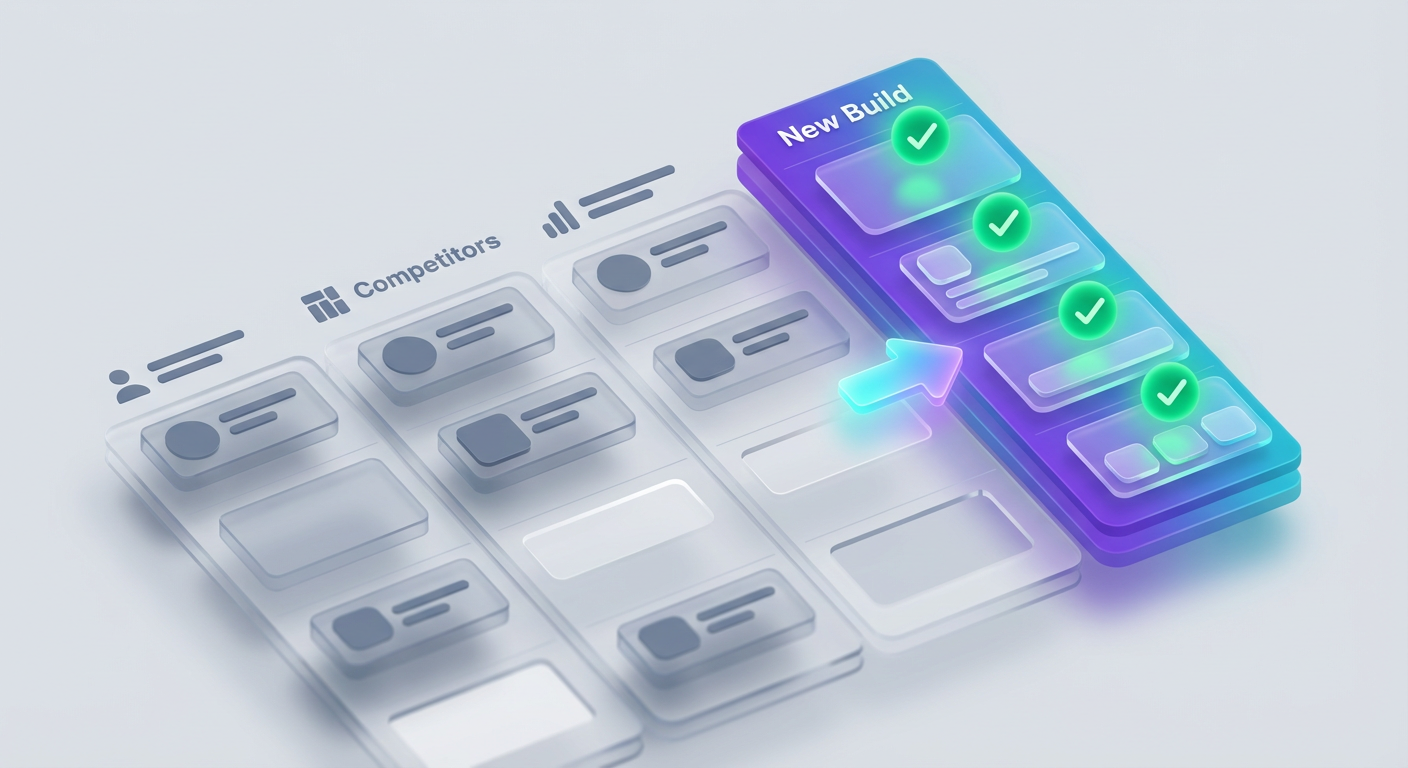
We use a "Feature-and-Differentiation Matrix" to find your gap. Do not just look at what they built, look at how they implemented it and where they fell short.
How to audit a competitor:
- Inspect the Class Naming: Is it Client-First? Is it BEM? Is it messy? If their naming is complex, your angle could be "Simplicity/Native Webflow."
- Check the JS Dependencies: Do they rely heavily on external code? If so, your angle could be "100% Native Web Interactions."
- Analyze the Aesthetic: Are they strictly wireframes? Your angle might be "High-Fidelity, Ready-to-Launch designs."
Create a simple spreadsheet with the following columns to map this out:
| Component Category | Market Standard (The "Giant") | Common Complaint/Gap | Your Opportunity (Differentiation) |
|---|---|---|---|
| Navigation | Heavy reliance on complex attributes/JS | Hard to customize for beginners | Native interactions only; heavily commented navigation structure |
| Blog Cards | Generic, standard 3-column grid | No logic for "Featured" vs "Standard" | CMS-ready layouts with conditional visibility pre-configured |
| Pricing | Standard static tables | Hard to hook up to checkout | Pre-integrated with attributes for specific payment gateways |
Pro Tip: Look at the support forums or Discord channels of existing component libraries. What are people complaining about? If users keep asking "How do I make this responsive on mobile landscape?", you just found your feature requirement: Perfect Mobile Optimization.
Creating Your Component Spec Sheet
Once you have identified the gaps, you must stop "researching" and start "specifying." We do not build from a vague idea; we build from a Spec Sheet.
This document prevents scope creep. If you decide a component needs three variants, you build three. Not four because you "had a cool idea," and not two because you "got tired."
For every component in your build list, define the following before opening Figma or Webflow:
- Purpose: What problem does this solve? (e.g., "Displaying complex pricing tiers on mobile").
- The "Hook": Why would someone choose this over a free cloneable? (e.g., "Includes a built-in toggle for monthly/yearly pricing without custom code").
- Variants: What variations are required?
- Visual: Light mode, Dark mode.
- Layout: Left-aligned, Center-aligned, Split screen.
- CMS Requirements: Does this need a collection list? If so, what fields are required?
- Constraints: What are we not supporting? (e.g., "No IE11 support, strictly Flexbox/Grid").
Example Spec Sheet Entry:
- Component ID:
NAV-03 - Name: E-commerce Mega Menu
- Purpose: Handle large inventory categories without overwhelming the user.
- Variants:
- Full-width dropdown with images.
- List-only dropdown (dense).
- Mobile: Accordion style.
- Tech Stack: Native Webflow Interactions (Legacy), Client-First styling.
- CMS: Needs "Categories" collection connection.
- Definition of Done: Accessible via Tab key, closes on outside click, perfect alignment on 992px breakpoint.
What You'll Build On
This Spec Sheet is not just a to-do list; it is the foundation for the rest of the course:
- In Section 3 (The Build): You will execute this list using batch-processing techniques to build 2x faster.
- In Section 4 (Marketing): The "Purpose" and "Hook" columns you wrote above will literally become the headlines on your landing page.
- In Section 6 (Documentation): Your "CMS Requirements" notes will become the setup guide for your customers.
Do not skip the details here. The clarity you create now directly translates to speed in weeks 3 and 4.
Moving from Planning to Production
At this stage, you might feel the urge to keep planning. It feels safer to research than to build. But you now have enough.
You have validated the market (Section 1). You have identified high-utility patterns. You have found the gaps in competitors' products. You have a spec sheet that tells you exactly what to execute.
Research time is over. It is time to enter the "Build Cave."
Ready to Build Your Revenue Engine?
This concludes the preview of "Launch Your Paid Webflow Component Library."
In the full course, we stop planning and start shipping. We move into the technical and commercial execution that turns this research into a $5k/month asset.
Here's what's waiting for you in the remaining sections:
- Section 3: The Factory Method. How to build, class-name, and componentize your library in Webflow without losing your mind. We cover systematic styling and accessibility workflows that save hundreds of hours.
- Section 4: The Asset Pipeline. How to package your components. Setting up the "Copy/Paste" functionality that customers pay for.
- Section 5: The Sales Ecosystem. Writing copy that converts, setting up Lemon Squeezy or Gumroad, and handling licensing/refunds automatically.
- Section 6: Launch & Scale. The exact 14-day launch sequence to fill your list, plus post-launch strategies to grow traffic without paid ads.
You have the blueprint. Now let's build the machine.
[Unlock the Full Course & Start Building]
Course Details
- Sections8 sections
- Price$9.99