Launch Your Paid Obsidian Plugin: From Idea to $3K MRR in 45 Days
Launch a paid Obsidian plugin in 45 days using a validation-first system that prevents wasted build time and gets you to real revenue fast. You'll go from community research to a production-ready TypeScript plugin with a freemium model, Stripe subscriptions, license validation, directory submission, and a launch plan designed to reach your first 50-100 paying users.
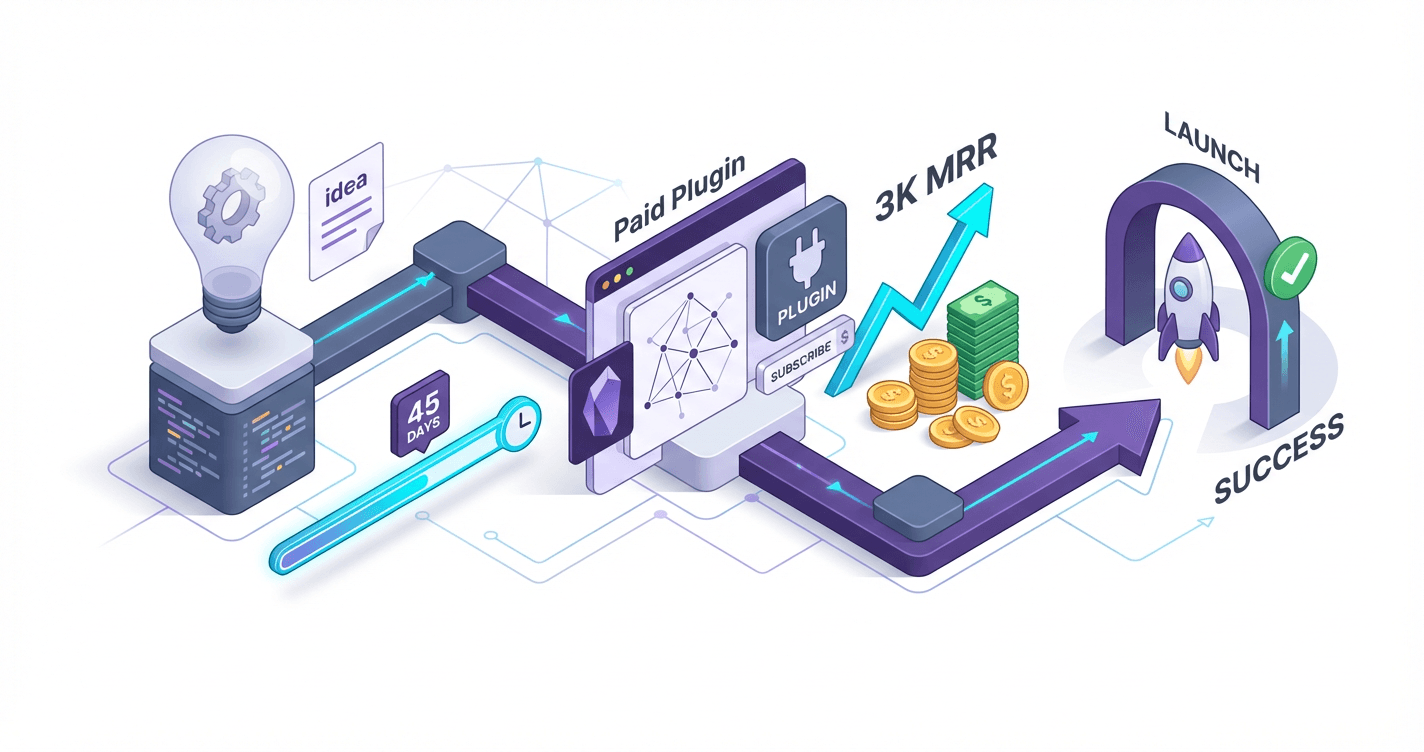
You've shipped production code for years, but your bank account still depends on how many hours you bill this month. While you're stuck refreshing your freelance pipeline, developers with half your technical skills are pulling $3K-$5K monthly from Obsidian plugins they built in weeks. This course shows you the exact 45-day system to turn that plugin idea you've been sitting on into your first recurring revenue stream--no audience, no marketing degree, no guesswork.
What Students Say
Hear from learners who have completed this course:
Tomás R.
Product Manager (B2B SaaS), side-project indie maker
I’d tried to “just build” an Obsidian plugin twice and abandoned both. Section 1 (Validation First) was the slap-in-the-face I needed: I used the community research templates to run 14 short interviews in Discord and Reddit and realized my original idea wasn’t worth paying for. I pivoted to a meeting-notes workflow plugin and used Section 2 to define the freemium split (basic capture free, AI cleanup + export packs paid) and price it without guessing. The biggest win was Section 5 on monetization engineering. I followed the Stripe subscriptions + webhook flow and the license validation pattern exactly, and it saved me days of security hand-wringing. I launched on Day 44 with 61 paying users in the first 10 days and hit $1,980 MRR by week 8. More importantly, it’s now a repeatable product motion instead of a hobby project.
Read more
Adaeze O.
Freelance Knowledge Management Consultant
My clients kept asking if I could “package” the Obsidian workflows I build for them. This course showed me how to do it as an actual product. In Section 3 (Plugin Foundations), the architecture/tooling walkthrough finally made TypeScript plugin structure click—commands, settings tab patterns, and UI components—so I could stop copy/pasting from random repos. Section 6 (Shipping Like a Product) was unexpectedly valuable: release checklist, support system setup, and directory readiness. I used the directory submission guidance and had my plugin accepted quickly because the manifest/release notes were clean and I’d already set up a lightweight support/FAQ. Concrete results: I converted 3 retainer clients into plugin subscribers and replaced ~30% of my monthly client hours with recurring revenue. I’m at 92 paying users now, and the support load is manageable because I implemented the canned responses + issue triage system from the course.
Read more
Fatima A.
Data Analyst (Healthcare), creator of productivity tools
I’m not a “creator” by background—I live in spreadsheets—so the step-by-step build in Sections 4 and 5 mattered a lot. Section 4 helped me turn my messy prototype into a “paid-worthy” MVP by focusing on core features and polishing UX (especially the UI patterns for settings and inline notices). I built a plugin that tracks daily clinical research reading and auto-links citations; the course’s MVP scoping kept me from adding a dozen extras. Then Section 7 (Launch Execution) gave me a plan I could actually follow. I posted a short YouTube demo and a Reddit case study using the templates, and the messaging was much stronger because it came from the positioning work in Section 2. I got my first 100 customers in 6 weeks (I never thought that would happen) and now sit around $2.6K MRR. The Stripe/webhooks + license validation lessons were also the difference between “I hope this works” and confidence that paying users wouldn’t get randomly locked out.
Read more
Course Overview
Launch a paid Obsidian plugin in 45 days using a validation-first system that prevents wasted build time and gets you to real revenue fast. You'll go from community research to a production-ready TypeScript plugin with a freemium model, Stripe subscriptions, license validation, directory submission, and a launch plan designed to reach your first 50-100 paying users.
Section 1: Validation First: Find a Pain Point Worth Paying For (Days 1-7)
You'll learn a repeatable research workflow to identify underserved Obsidian use cases using Reddit, Discord, GitHub issues, and existing plugin reviews. The goal is to validate demand and willingness-to-pay before you write code.
Learning Outcomes:
- Build a research backlog using specific search queries and conversation signals from r/ObsidianMD and Discord
- Turn raw complaints into a clear problem statement, target persona, and measurable "success criteria" for your plugin
- Validate monetization potential using competitor pricing, feature gaps, and a pre-sell or waitlist test
The graveyard of failed side projects is paved with clean code that nobody wanted. As a senior developer, your instinct is to open your IDE, scaffold a project, and start solving interesting technical challenges. You likely have a folder of half-finished apps that stalled because you realized--too late--that you were the only user.
For the next 45 days, we are inverting that process. We do not write a single line of production code until Day 8.
The Obsidian ecosystem is unique. It is populated by "power users"--academics, writers, engineers, and productivity enthusiasts--who are actively looking for optimizations. They are vocal about their problems. Your job in Week 1 is to stop thinking like a developer and start thinking like a forensic investigator.

The Research Algorithm (Days 1-3)
You are looking for "Hair on Fire" problems--issues so frustrating that users are currently hacking together complex workarounds to solve them. These are the problems people pay to fix.
You will spend the first three days scraping data from three primary sources: r/ObsidianMD, the Obsidian Community Discord, and GitHub Issues of existing popular plugins.
Key Insight: Do not look for "feature requests." Feature requests are often "nice-to-haves." Look for "complaints," "workarounds," and "confusion." A complaint is a demand signal; a feature request is just a suggestion box.
Step 1: Boolean Search Queries for Reddit
Go to r/ObsidianMD and r/PKM. Do not just browse. Use specific boolean operators to surface high-emotion threads. Copy and paste the following queries:
(frustrated OR hate OR "too complicated" OR "doesn't work") AND ("sync" OR "export" OR "manage")
"how do I" AND "automate" AND "workflow"
"willing to pay" OR "bounty" OR "commission"
"alternative to" AND "Notion" AND "database"
You are looking for threads with high comment counts but no clear solution. If a thread has 50 comments debating how to achieve a specific workflow using three different plugins and a Python script, you have found gold. That friction represents a market gap.
Step 2: Discord Signal Processing
The Obsidian Discord is a stream of consciousness. It moves too fast to read historically, so utilize the search bar. Look for terms like:
- "Is there a plugin for..."
- "Why can't I..."
- "Migrating from..."
Pay attention to the #plugin-ideas channel, but view it with skepticism. Users often ask for impossible things. Instead, look at the #help channel. Repeated questions in #help indicate a UI/UX failure in the core app or existing plugins that you can solve.
Step 3: GitHub "Stale" Issues
Go to the repositories of the top 20 most downloaded community plugins. Filter issues by label:enhancement or is:open sort:comments-desc.
Look for issues that have been open for 6+ months with highly active comment threads where users are saying "+1" or "I need this too." If the original maintainer has abandoned the plugin or refused the feature due to scope, that is your opportunity to fork (if the license permits) or build a dedicated, premium alternative.
Signal vs. Noise: Qualifying the Pain (Days 4-5)
By Day 4, you should have a spreadsheet with 10-20 potential ideas. Now you must disqualify them. Most ideas fail because they are "Vitamins" (nice to have), not "Painkillers" (essential).
Use the WTP (Willingness to Pay) Matrix to score your ideas.
| Signal Type | Description | Revenue Potential | Action |
|---|---|---|---|
| The Tinkerer | "It would be cool if the graph view was 3D." | Low | Discard. This is novelty, not utility. |
| The Edge Case | "I need to sync Obsidian with my custom Emacs build running on Arch Linux." | Low | Discard. Audience is too small to support MRR. |
| The Workflow Blocker | "I spend 2 hours a week manually formatting bibliography exports." | High | Pursue. Time is money. If you save 2 hours, it is worth $5/month. |
| The Enterprise Gap | "I can't use Obsidian at work because it lacks specific encryption/compliance." | Very High | Pursue. Business expenses are price-insensitive. |
Pro Tip: The most profitable plugins usually revolve around Interoperability (syncing with Jira, Readwise, WordPress), Publishing (turning notes into blogs/newsletters), or Workflow Automation (turning data entry into dashboards).
Select one problem statement that meets these criteria:
- Frequency: The problem occurs daily or weekly.
- Intensity: The current solution involves manual labor or context switching.
- Ability to Pay: The user is likely a professional (writer, coder, academic, manager).
The "Smoke Test" (Days 6-7)
Before you define your architecture, you must validate that people actually want your solution, not just the idea of your solution.
In the software world, this is often called a "Painted Door" test. You will create the perception of a solution to measure intent.
1. Define the Promise
Draft a "Press Release" for your plugin. This is an internal document. It must state:
- The Name: (e.g., "Obsidian Jira Sync")
- The Hook: "Stop manually copying ticket statuses."
- The Solution: "Two-way sync between your vault and Jira tickets."
- The Call to Action: "Join the beta."
2. The Validation Post
Go back to the communities where you found the pain points. You are not selling yet; you are verifying. Post a "Concept Validation" thread.
Template for r/ObsidianMD:
Title: Working on a Jira <-> Obsidian 2-way sync plugin. Looking for feedback.
Body: "Hey everyone, I noticed a lot of people struggling to keep project notes in sync with Jira tickets. I'm a senior dev looking to build a robust solution for this.
The plan is to handle bi-directional sync, status updates from the note, and JQL imports.
- Is this something you'd use?
- What is the one specific feature that would make this a 'must-have' for you?
- I'm building a waitlist for the beta here: [Link to Typeform/Google Form/Carrd]"
3. Success Metrics
Do not proceed to Section 2 until you hit these benchmarks:
- 15+ Email Signups: These are leads.
- 5+ Qualitative Comments: Users detailing exactly how they would use it.
- 1 "Take My Money": At least one person asking if it will cost money or offering to pay.
Important: If you get zero traction, do not build it. You have just saved yourself 45 days of work. Go back to your research list and pick the next idea. A lack of response is not a marketing failure; it is a validation result.
Summary
By the end of Day 7, you are not just a developer with an idea. You are a product owner with a verified market need and a list of 15-20 potential customers waiting for your launch. You have moved from "hoping" to "knowing."
Up Next in Section 2: Now that we know what to build, we will cover how to build it efficiently. We will dive into the TypeScript architecture, setting up your dev environment for hot-reloading, and scaffolding an MVP that is designed for extensibility and eventual monetization.
Section 2: Scope and Positioning: Define the MVP, Freemium Split, and Pricing (Days 8-10)
You'll lock the smallest feature set that can earn revenue, decide what's free versus paid, and choose pricing that can realistically reach $3K MRR. This section prevents scope creep and gives you a concrete build plan aligned to revenue.
Learning Outcomes:
- Produce an MVP spec with strict inclusion/exclusion rules and a 45-day ship list
- Design a freemium model (free core value + paid acceleration/automation/power features) that drives conversion
- Create a pricing calculator to map price points to required users, and choose monthly vs annual vs one-time using a decision framework
You have successfully validated a pain point. You know what hurts, and you have a general idea of how to fix it.
The most dangerous instinct you have right now is to open your IDE and start coding.
If you start building now without a rigid scope, you will fall into the "Developer's Trap": building a robust, feature-rich engineering marvel that solves 20 different edge cases but takes six months to ship. By the time you launch, you'll have burned your limited evening hours, lost momentum, and likely built features nobody is willing to pay for.
In Section 2, we are going to ruthlessly cut scope. We are not building a "platform." We are building a sniper-focused solution that gets you to $3K MRR in 45 days.
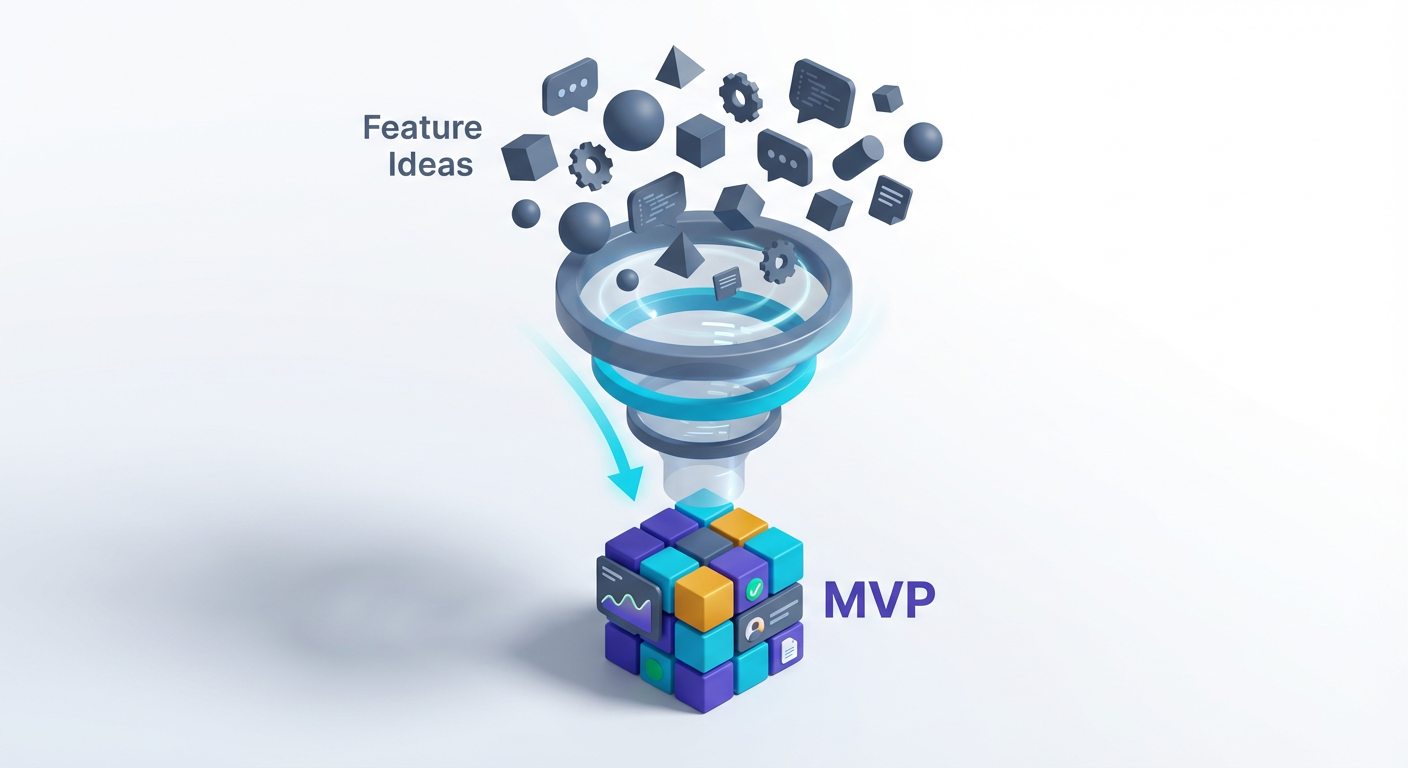
Day 8: The "Revenue-First" MVP Spec
Most developers define MVP (Minimum Viable Product) as "the smallest app that doesn't crash." In this course, we define MVP as the smallest feature set someone will pull out a credit card to access.
Your goal is to solve the specific pain point you validated in Week 1, and nothing else.
To achieve this, we use the Inclusion/Exclusion Framework. You must create a hard boundary around your 45-day ship list. If a feature does not directly contribute to the "Aha!" moment where a user solves their primary problem, it goes into the backlog (or the trash).
Let's apply this to a hypothetical plugin: Obsidian-Jira Sync.
The Inclusion/Exclusion Table
| Feature | Status | Reasoning |
|---|---|---|
| Two-way sync (Jira ↔ Obsidian) | INCLUDE | This is the core pain point. Essential for the MVP. |
| Credential Management | INCLUDE | Required for the API to function. |
| Manual "Sync Now" Button | INCLUDE | Users need control/verification for V1. |
| Conflict Resolution UI | EXCLUDE | Too complex. For V1, "Last Edit Wins" or "Obsidian Overwrites Jira" is sufficient. |
| Image/Attachment Sync | EXCLUDE | High technical overhead. Text-only is viable for a $5/mo MVP. |
| Custom Field Mapping | EXCLUDE | 80% of users only need Summary, Description, and Status. |
Key Insight: Your MVP code shouldn't be sloppy, but it should be narrow. A common mistake is building an abstraction layer for "any issue tracker" (GitHub, Linear, Trello) when you only have validation for Jira. Don't generalize yet. Solve one problem perfectly.
For Day 8, your output is a spec.md file in your project root listing exactly what you will build--and explicitly what you will not build--over the next four weeks.
Day 9: Designing the Freemium Split
The vast majority of successful Obsidian plugins utilize a "Freemium" model. However, developers often get the split wrong. They give away the solution for free and charge for "customization" (themes, fonts, colors).
Nobody pays for colors. They pay for power.
To reach $3K MRR, you must separate Utility (Free) from Acceleration (Paid).
The free version of your plugin must be useful enough to become a daily habit, but manual enough that power users feel the friction. That friction is your upgrade driver.
The "Manual vs. Automatic" Split
- Free Tier (The Hook): Solves the problem manually or singly. It proves the plugin works and builds trust.
- Example: Sync one Jira ticket at a time by running a command.
- Paid Tier (The Accelerator): Solves the problem automatically or in bulk. It saves time.
- Example: Background sync every 10 minutes, bulk import of sprint boards, and status updates.
Pro Tip: Never cripple the free version so much that it's useless. If the free version doesn't provide value, you get zero installs, which means zero potential customers to upgrade. The free version is your marketing funnel.
Technical Implementation Preview:
In Section 4, we will cover how to implement this using TypeScript interfaces. You will essentially build a CorePlugin class and a ProPlugin class that extends it, checking for a valid license key before enabling the Pro methods.
Day 10: The Pricing Calculator and $3K Roadmap
How do you actually hit $3,000 in Monthly Recurring Revenue? You need to do the math before you write the code. This prevents the "I need 10,000 users" panic later on.
We will look at two primary pricing models for Obsidian plugins: SaaS Subscription vs. Lifetime Deal (LTD).
The $3K MRR Equation
- Scenario A: Low-Tier Subscription ($3/month)
- Requires: 1,000 active paying subscribers.
- Verdict: Very hard. You need massive volume and support overhead will kill you.
- Scenario B: Mid-Tier Subscription ($8/month)
- Requires: 375 active paying subscribers.
- Verdict: Manageable. This is the sweet spot for professional tools (e.g., Jira Sync, heavy research tools).
- Scenario C: High-Value Annual ($80/year)
- Requires: ~45 sales per month (roughly 1.5 sales per day).
- Verdict: Excellent cash flow, lower churn.
The "Lifetime" Launch Strategy For your initial launch (Days 40-45), we often recommend a Lifetime Deal (LTD). This is a one-time payment (e.g., $99) for permanent access.
Why? Because you have no reputation yet. Users are hesitant to subscribe to a new developer's tool. An LTD removes the "subscription fatigue" objection and injects immediate cash ($2K-$5K) to validate your effort. You can transition to subscriptions later once you have testimonials.
Important: Do not undervalue your work. If your plugin saves a freelance developer 2 hours a week, that is worth hundreds of dollars a month to them. Pricing at $2/month signals "this is a toy." Pricing at $10/month signals "this is a tool."
Your Assignment: Create a spreadsheet mapping your pricing tiers. Determine exactly how many users you need at a 3% free-to-paid conversion rate. If the math requires you to capture 50% of the entire Obsidian user base, your niche is too small or your price is too low.
What You'll Build On
The decisions you make in Days 8-10 set the foundation for the rest of the course:
- In Section 3 (The Build): You'll use your MVP spec to set up a CI/CD pipeline that prevents you from pushing code that isn't on the list.
- In Section 4 (Architecture): We'll write the actual TypeScript code to enforce the Freemium split, including a local licensing verification module that works offline.
- In Section 6 (The Launch): Your pricing strategy will dictate how we write your copy. Selling a $5/mo sub requires different copywriting than selling a $99 lifetime license.
Ready to Build?
You now have a validated idea, a strict feature list, and a pricing model that makes mathematical sense. The analysis paralysis is over.
In the full course, we move immediately from this planning phase into Section 3: Rapid Development. We stop talking about the plugin and start writing it. We'll cover how to scaffold your Obsidian plugin environment, how to structure your TypeScript for modularity, and how to get your first "Hello World" running inside your vault within 20 minutes.
You are 48 hours away from writing the code that will become your revenue engine. Let's get to work.
Course Details
- Sections8 sections
- Price$9.99